AWS App Runner Private Service with Private Integration
2 min read
aws
Written in 2023. Tools, APIs and prices may have changed since.
Lab note What I wrote down while learning this by building with it. Short by design; the code is in pfeilbr/aws-app-runner-private-service-with-private-integration.
based on KarlDeux/arps
Demo
export STACK_NAME=aws-app-runner-private-service-with-private-integration
export REGION=us-east-1
export AWS_ACCOUNT_ID=$(aws sts get-caller-identity --query Account --output text)

sam build --use-container

sam deploy --guided
sam deploy

aws cloudformation describe-stacks \
  --stack-name $STACK_NAME \
  --region $REGION \
  --query 'Stacks[0].Outputs' \
  > stack-outputs.json

# get default vpc id
export DEFAULT_VPC_ID=$(aws ec2 describe-vpcs --region $REGION  --filters "Name=isDefault,Values=true" --query "Vpcs[0].VpcId" --output text)

aws ec2 describe-subnets --filters "Name=vpc-id,Values=${DEFAULT_VPC_ID}" --query "Subnets[].SubnetId" --output text


sam delete --no-prompts

aws cloudformation delete-stack --stack-name $STACK_NAME

# login to ecr from docker
aws ecr get-login-password --region $REGION | docker login --username AWS --password-stdin $AWS_ACCOUNT_ID.dkr.ecr.$REGION.amazonaws.com

docker build -t hello-world-express .
docker run -p 8000:8000 hello-world-express
docker tag hello-world-express:latest $AWS_ACCOUNT_ID.dkr.ecr.$REGION.amazonaws.com/$STACK_NAME
docker push $AWS_ACCOUNT_ID.dkr.ecr.$REGION.amazonaws.com/$STACK_NAME
docker pull "${AWS_ACCOUNT_ID}.dkr.ecr.${REGION}.amazonaws.com/${STACK_NAME}:latest"


# deployment and event logs
/aws/apprunner/code-based-private-endpoint-1/58b5e70db6aa4481b6cf42ca0c38b5f9/service

# application logs
/aws/apprunner/private-endpoint-1/cc0078056c7d48ab9b434dfcadc796f3/application

# test the enpoint.  this public apig endpoint calls a lambda fn in vpc that calls private app runner services
watch curl https://r4d8inqs3m.execute-api.us-east-1.amazonaws.com/Prod/test

# pause all services
json_data=$(cat aws-app-runner-list-services.json)

# Get the length of the array within the "ServiceSummaryList" property
length=$(echo $json_data | jq '.ServiceSummaryList | length')

# Loop over each element in the array
for (( i=0; i<$length; i++ )); do
  # Extract the object at index $i within the "ServiceSummaryList" array
  object=$(echo $json_data | jq -c ".ServiceSummaryList[$i]")

  # Extract the 'ServiceName' field from the object
  service_name=$(echo $object | jq -r '.ServiceName')
  service_id=$(echo $object | jq -r '.ServiceId')
  service_arn=$(echo $object | jq -r '.ServiceArn')

  # Print out the ServiceName
  echo "Pausing ServiceName: $service_name"
  aws apprunner pause-service --service-arn "${service_arn}"
done
- log types - event logs (
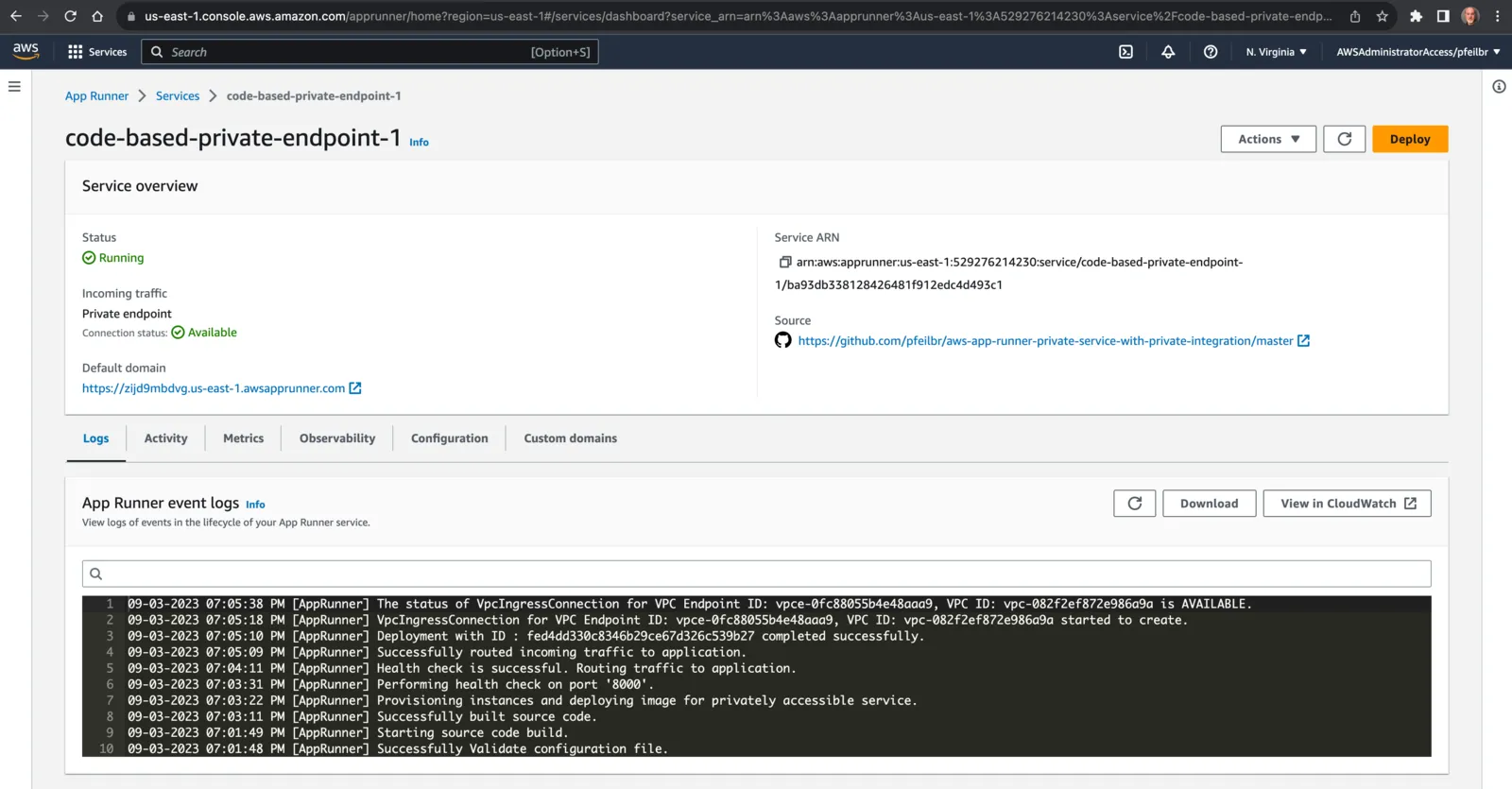
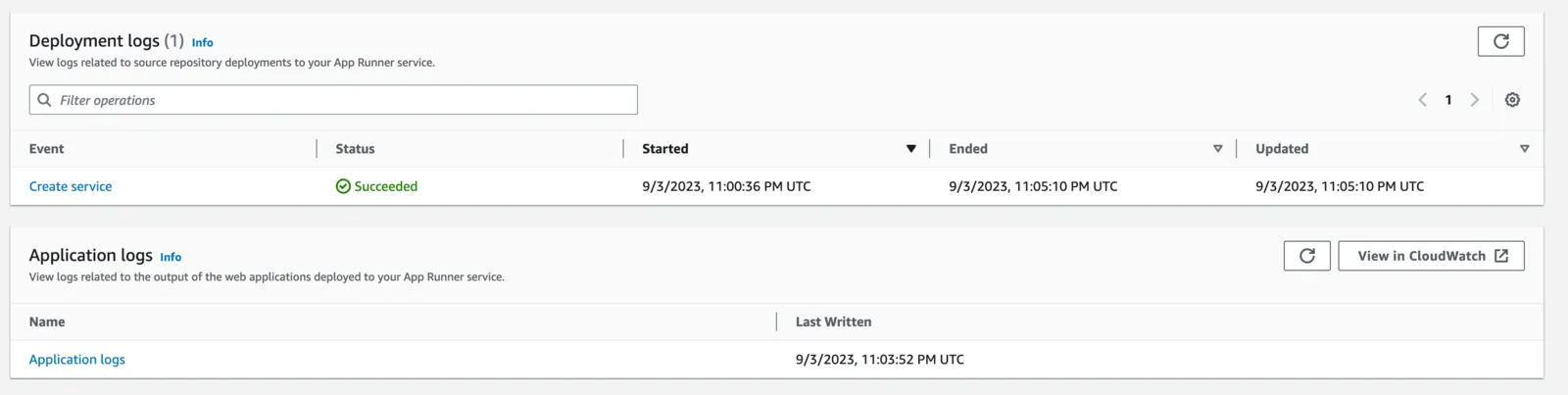
/aws/apprunner/code-based-private-endpoint-1/ba93db338128426481f912edc4d493c1/service/events), deployment logs (/aws/apprunner/code-based-private-endpoint-1/ba93db338128426481f912edc4d493c1/service/deployment/<deployment_id>), application logs
TODO
- private service only accessible via VPC
- private integration only accessible via VPC. e.g. RDS DB in private subnet
- testing - apig -> lambda with VPC access/config to test private app runner service. this is a lot easier than running ec2 in a VPC
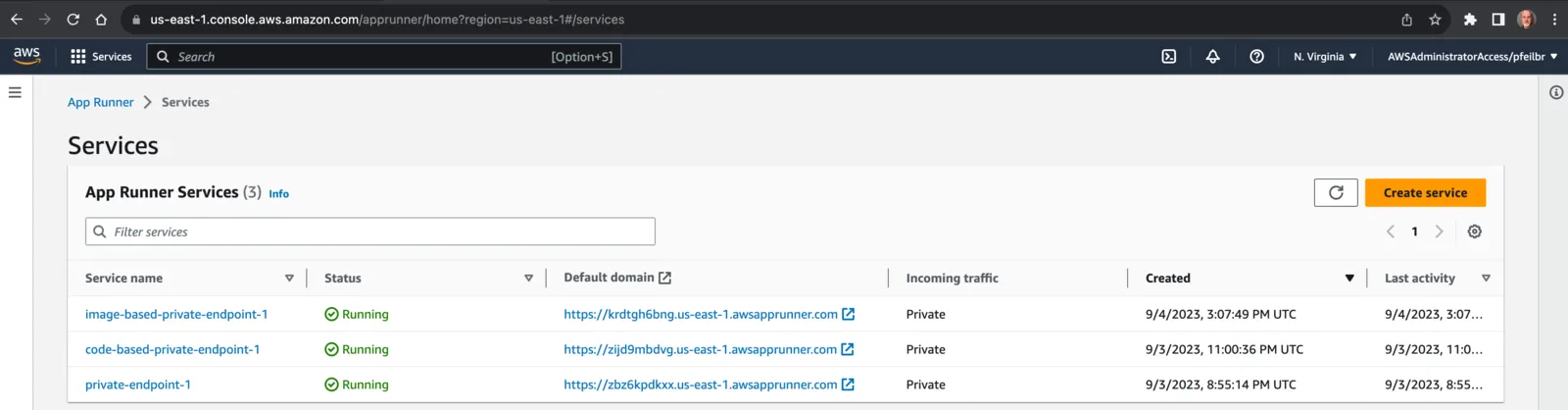
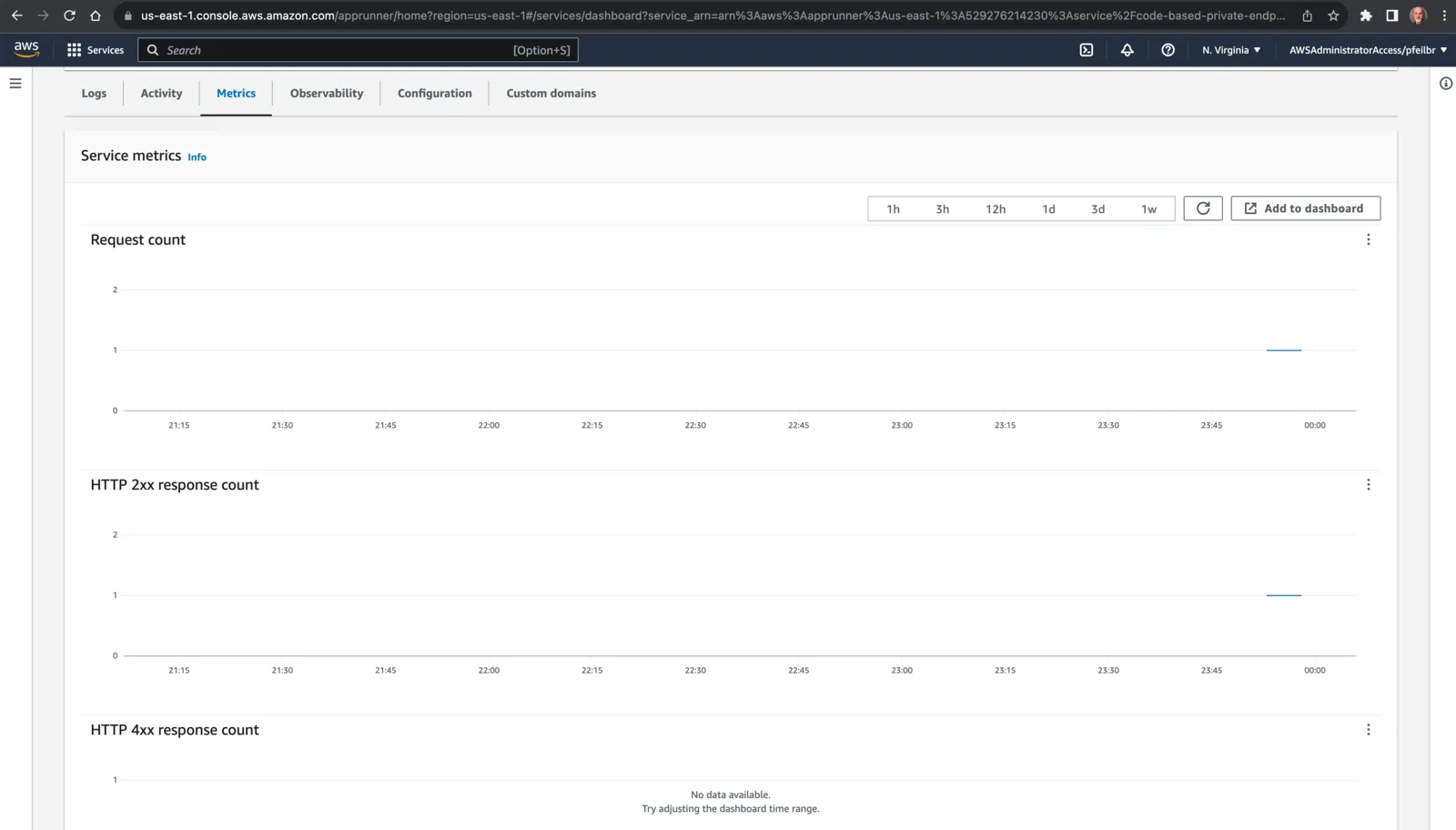
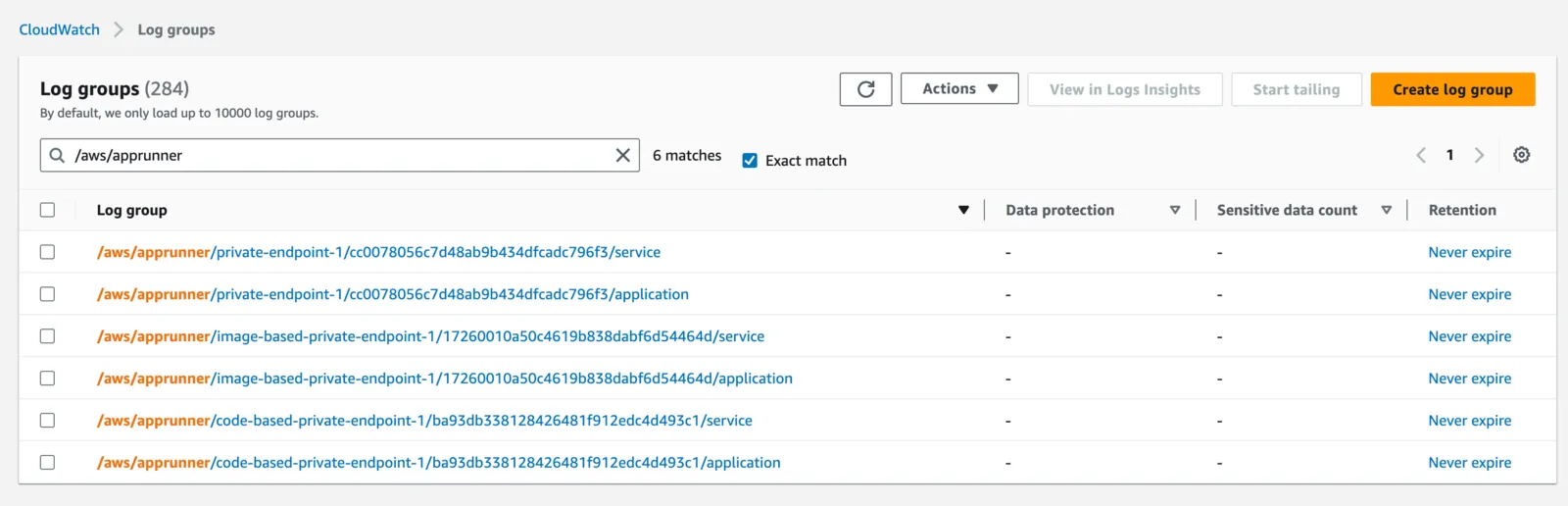
screenshots
Resources
- KarlDeux/arps
- Image-based service - container image (docker)
- Code-based service - source code and a supported runtime (managed platforms. e.g. python, node.js, java, .net, php, ruby, go)
- configuration file (
apprunner.yaml). - Enabling Private endpoint for incoming traffic
- AWS::AppRunner::VpcIngressConnection - associate your App Runner service to an Amazon VPC endpoint
- AWS::AppRunner::VpcIngressConnection.DomainName. build URL with
!Sub https://${AppRunnerService1VpcIngressConnection.DomainName} - AWS::EC2::VPCEndpoint with
ServiceName: !Sub "com.amazonaws.${AWS::Region}.apprunner.requests" - see KarlDeux/arps/template.yaml for full example.
- Enabling VPC access for outgoing traffic
- AWS::AppRunner::VpcConnector
- Using Amazon ECR with the AWS CLI
- How do I connect to my Amazon RDS for PostgreSQL or Amazon Aurora PostgreSQL using IAM authentication?