AWS Rekognition
1 min read
aws
code for article pfeilbr/aws-rekognition-playground
learn AWS Rekognition
see src/examples.js
Prerequisites
AWS default credentials available to call Rekognition API
install imagemagick, graphicsmagick, and ghostscript (for fonts) for labelling image
brew install imagemagick
brew install graphicsmagick
brew install ghostscript
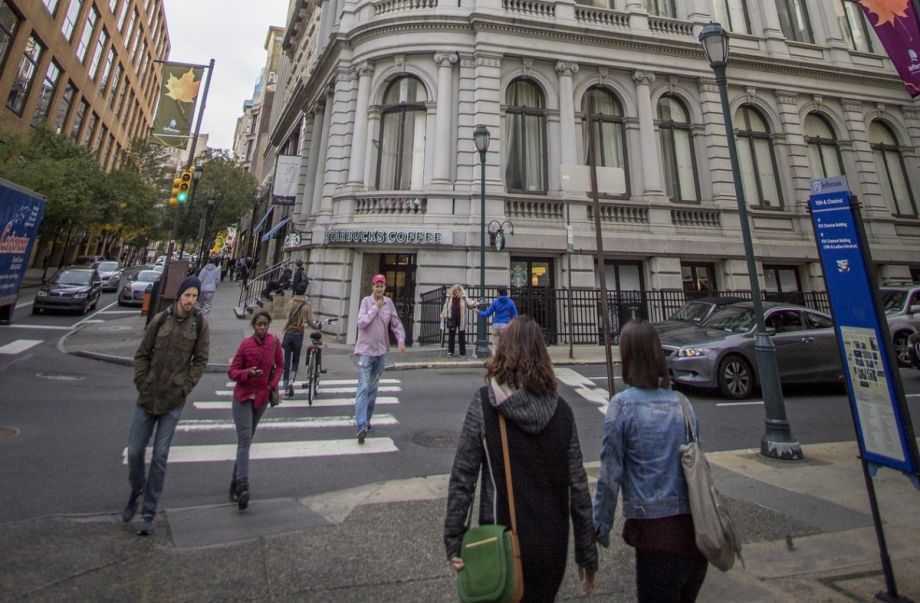
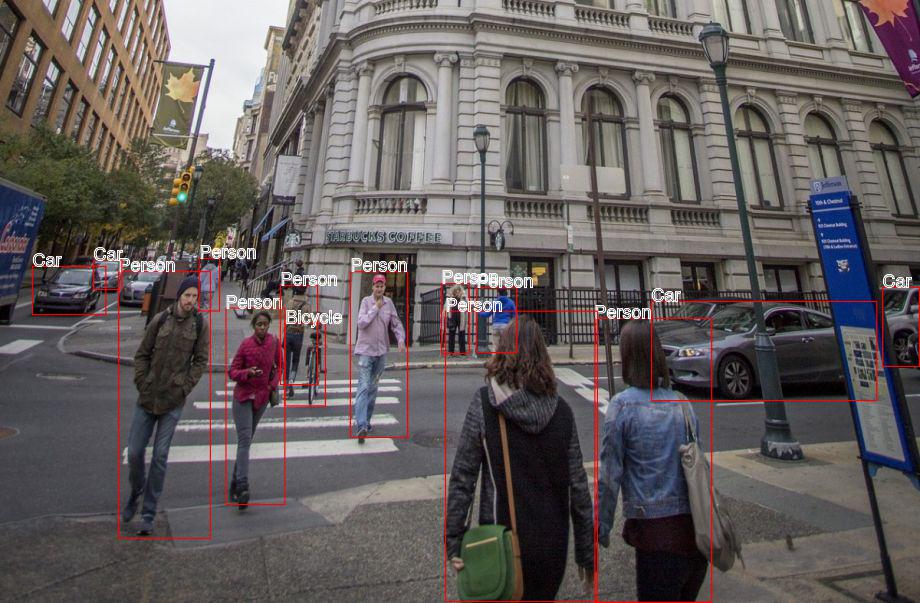
Example Labelled Image Using detectLabels API
Source
Labelled
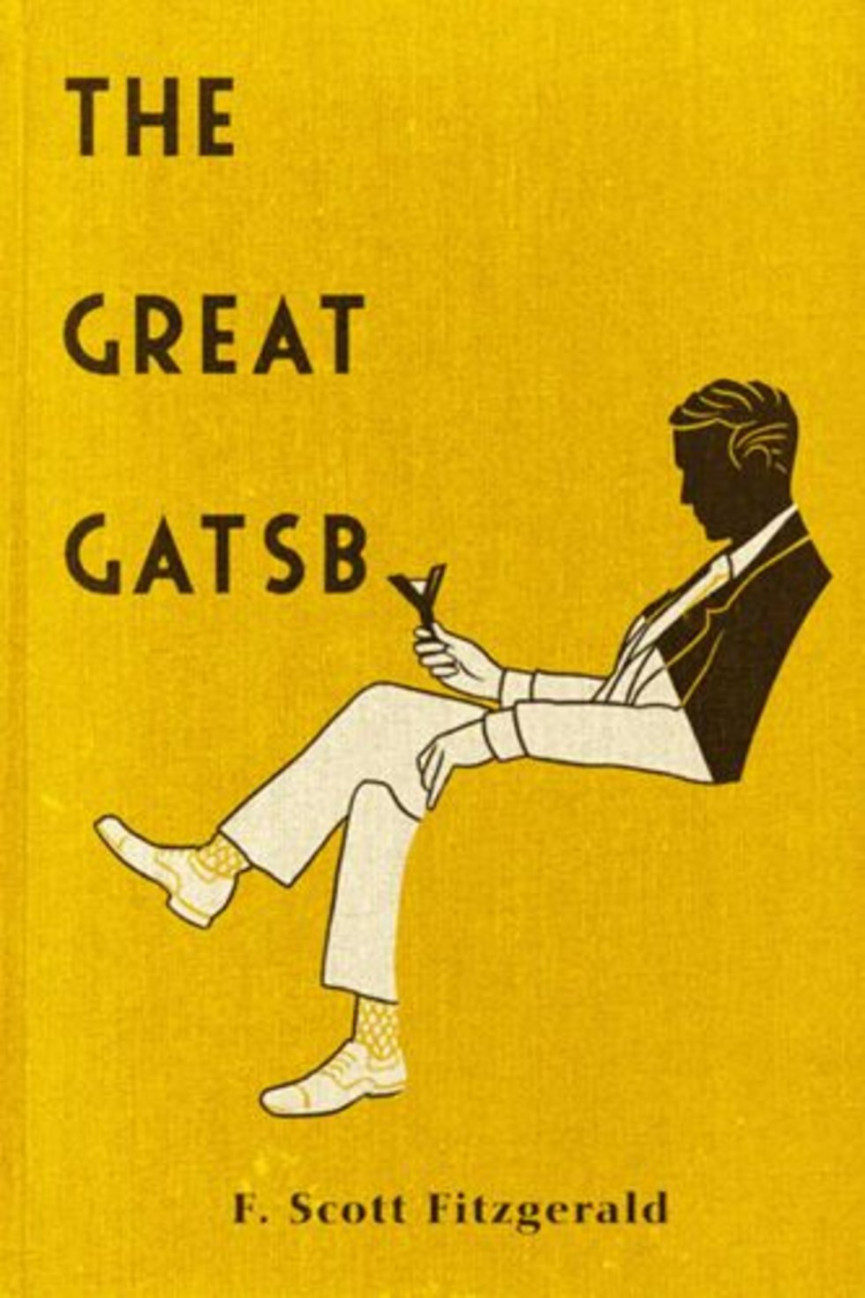
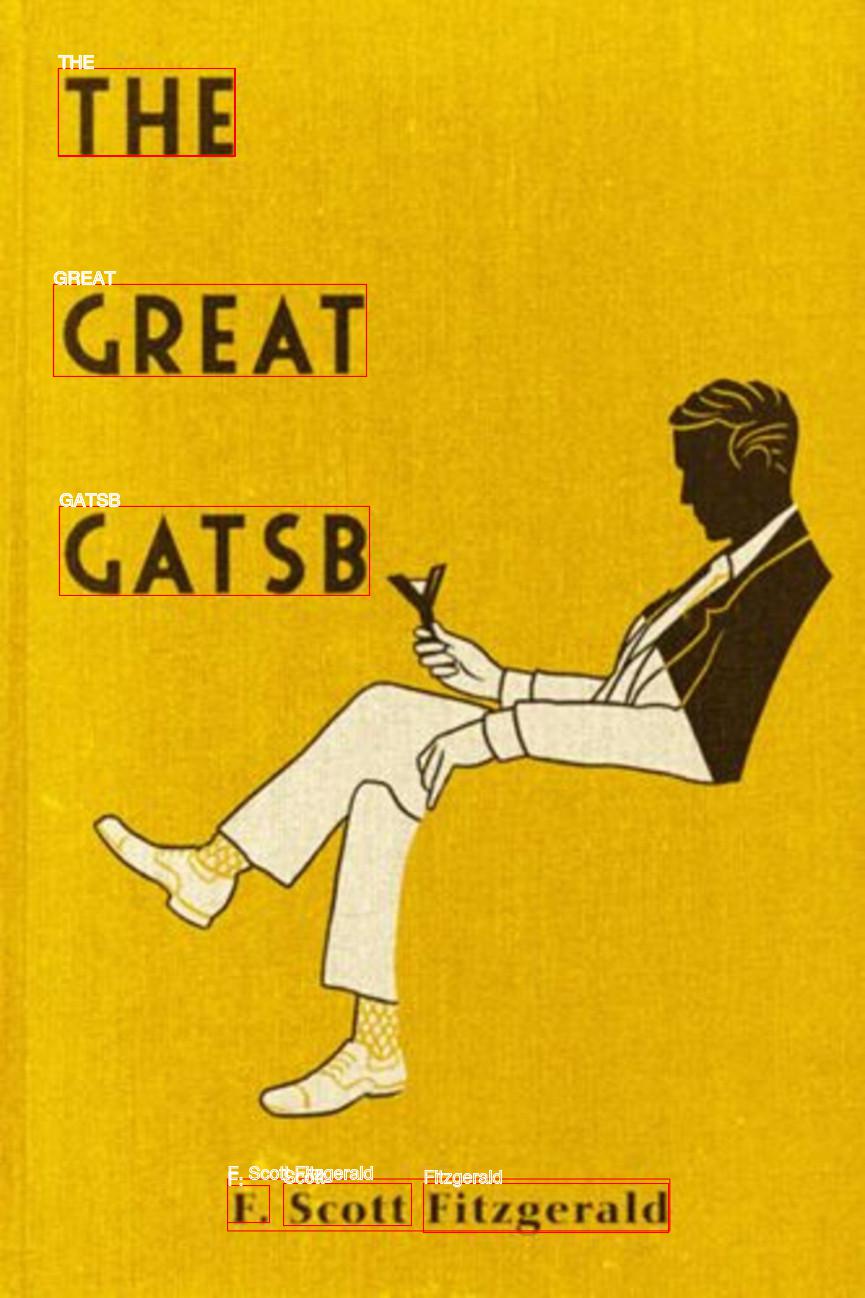
Example Labelled Image Using detectText API
Source
Labelled
Running
npm install
npm start
Video Label Detection Example via CLI
# start (it's async)
aws rekognition start-label-detection --video "S3Object={Bucket=rekognition-playground,Name=SampleVideo_1280x720_1mb.mp4}"

# output
{
    "JobId": "2c9b387607977af21c0839f177bf7034ce1bcd5139810b533dea3deb6361f348"
}

# in progress
aws rekognition get-label-detection  --job-id "2c9b387607977af21c0839f177bf7034ce1bcd5139810b533dea3deb6361f348"

# output
{
    "Labels": [],
    "LabelModelVersion": "2.0",
    "JobStatus": "IN_PROGRESS"
}

# completed
aws rekognition get-label-detection  --job-id "2c9b387607977af21c0839f177bf7034ce1bcd5139810b533dea3deb6361f348"

# output
{
    "Labels": [
        {
            "Timestamp": 0,
            "Label": {
                "Instances": [],
                "Confidence": 89.929931640625,
                "Parents": [],
                "Name": "Animal"
            }
        },
        {
            "Timestamp": 0,
            "Label": {
                "Instances": [],
                "Confidence": 69.0970458984375,
                "Parents": [
                    {
… 3753 more lines — see the full README.